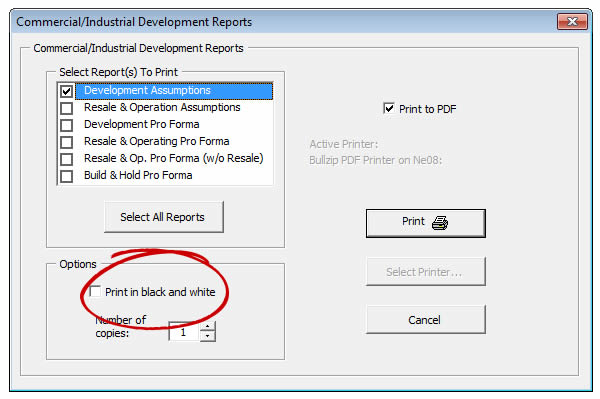
When printing most reports in our software programs using RealData print macros (as opposed to using Excel’s File – Print menu) you are presented with a dialog box which gives you several options when printing. One is a checkbox which selects for color or black& white.
Some printers may have print drivers which supersede RealData’s print commands. In this case, you need to open the print setup for your printer and change the settings as needed.